The problem
Scroll through the Instagram pages of small businesses in the UAE and a pattern shows up fast. A burst of posts in the launch month, then gaps of weeks. Under an older post, someone asked "price?" and nobody answered.
The owners behind those pages are busy running the shop and the staff. Instagram is the job that slides, and a full-time social media manager is hard to justify at that size.
This one goes a bit past my usual 100AED focus, because connecting Claude to Instagram needs Windsor.ai on top of Claude Pro. I’m covering it anyway, because almost every small business here has this problem.
What you need
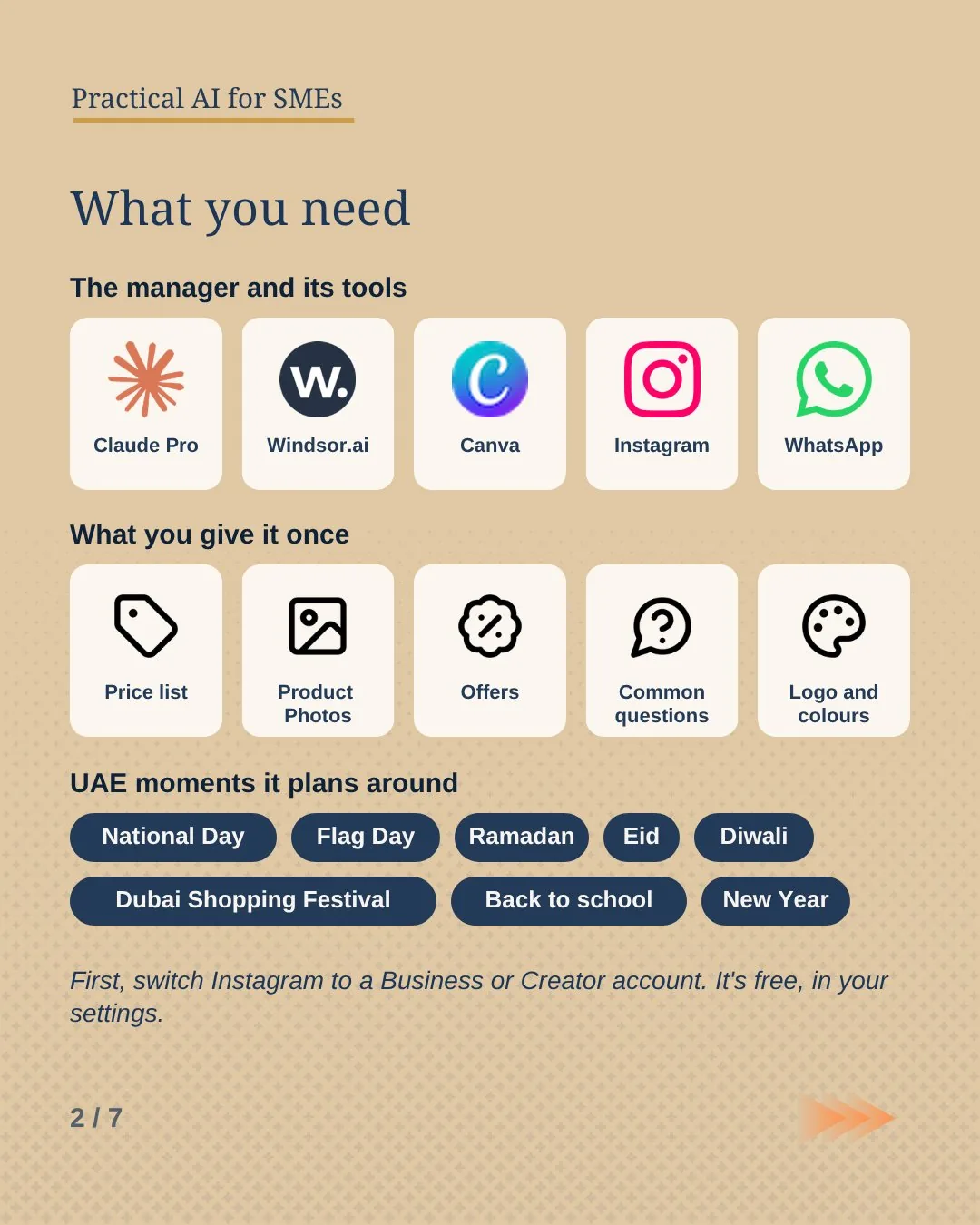
- Claude Pro
The manager. It plans, writes, designs through Canva and runs on a schedule, even when your laptop is off.~73 AED / mo - Windsor.ai
Its hands on Instagram. It publishes posts, carousels and Reels, replies to comments, hides spam and reads your numbers.Free to start - Canva
Designs every post with your logo and colours. Connect it from Claude’s connectors.Free or Pro - Instagram Business or Creator account
Personal accounts can’t post or reply through Windsor. You can switch in your Instagram settings.Free - WhatsApp Business
Where price questions and orders go. Post 03 shows how to put an AI agent on it too.Free - The job description
Further down this page. Paste it once into a Claude Project.Free
How it works
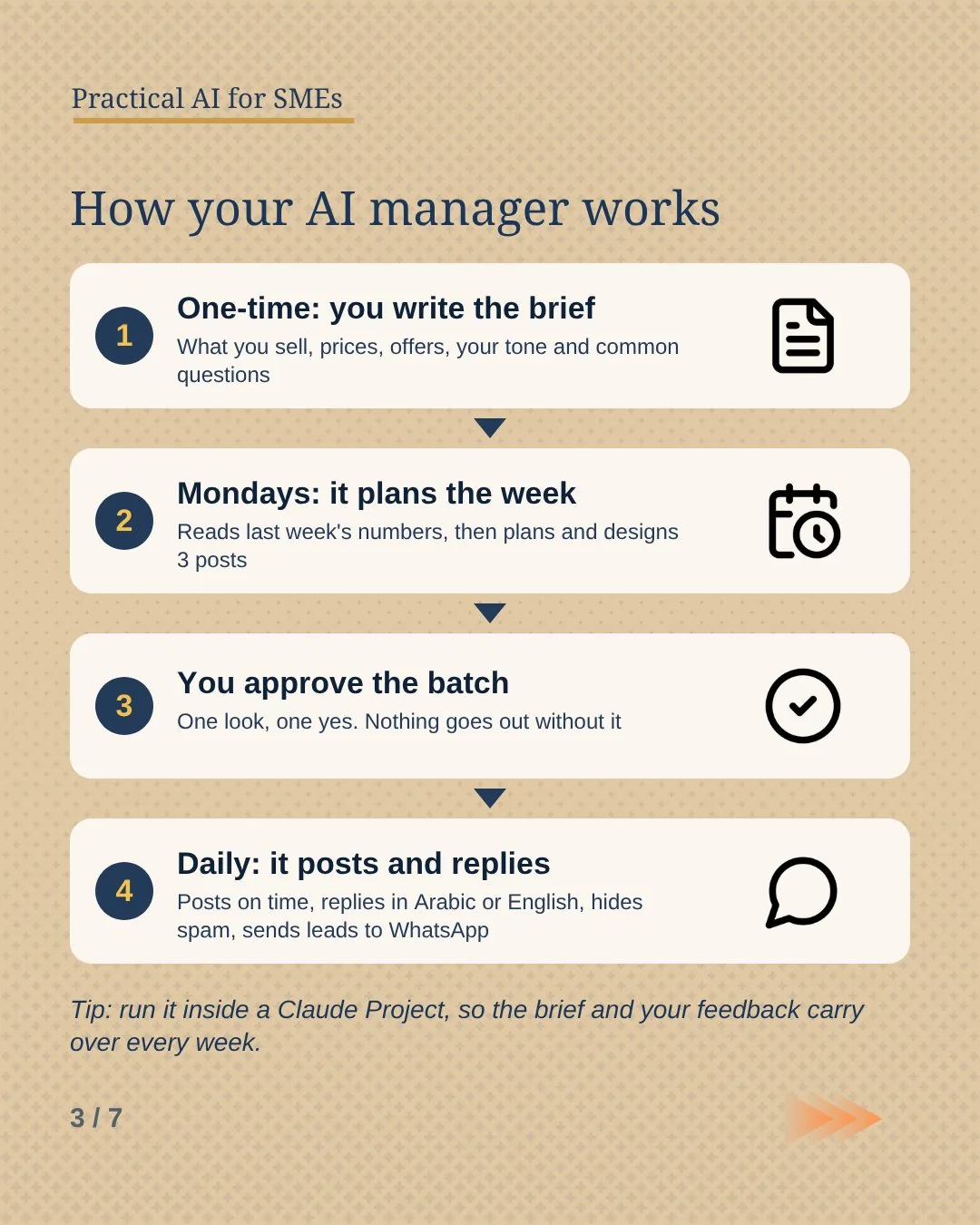
- One-time: you write the brief. What you sell, prices, offers, opening hours, how you talk to customers, and the questions they ask most.
- Mondays: it plans the week. It reads last week’s reach, saves, shares and new followers, plans three posts around your offers and UAE dates, designs them in Canva and writes the captions in Arabic and English.
- You approve the batch. One look, one yes. Nothing goes out without it.
- Daily: it posts and replies. It publishes what’s due, answers comments in the customer’s language, hides spam and points price questions and orders to your WhatsApp.
Five jobs your AI manager does
-
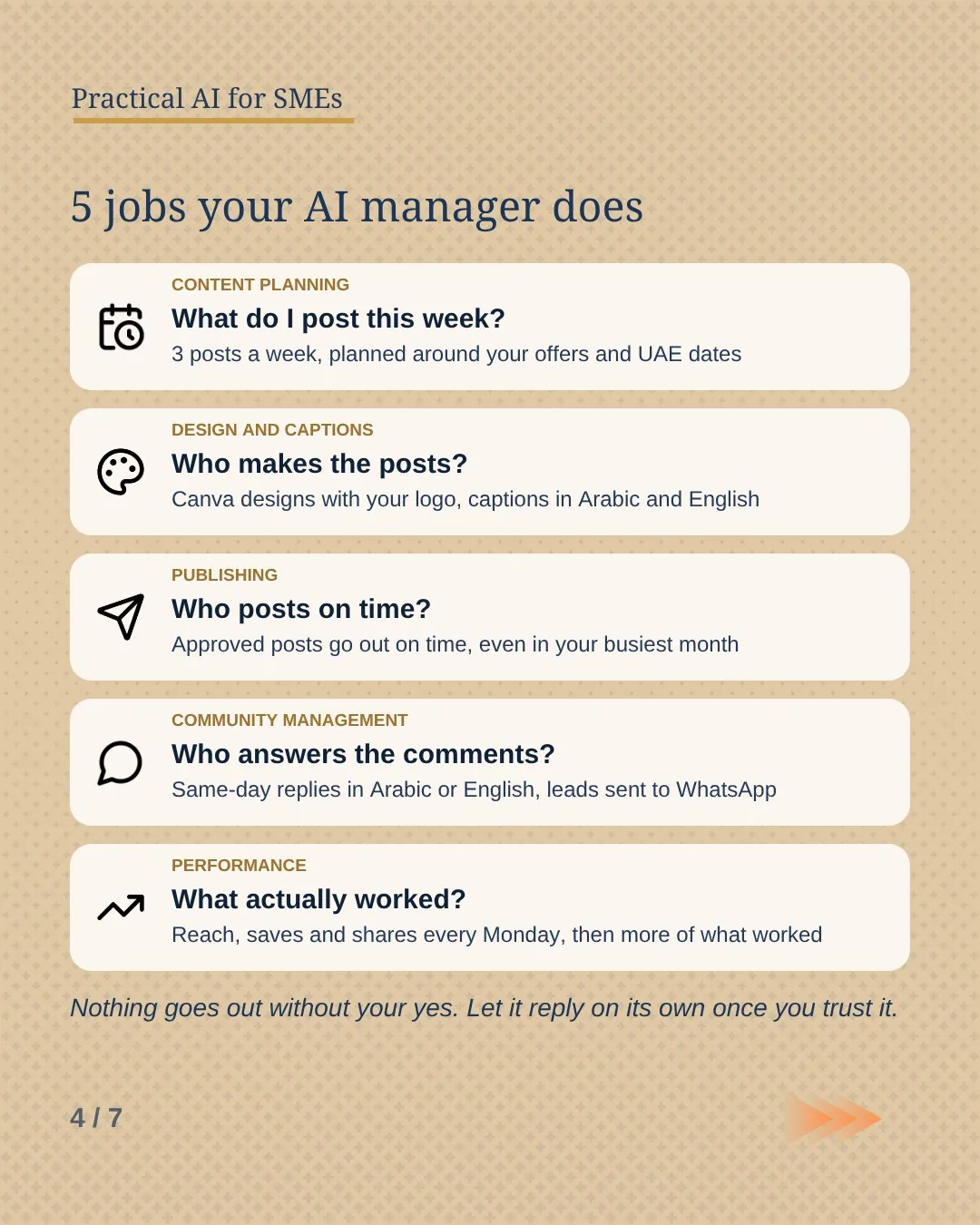
1 · Content planning
What do I post this week?
Three posts a week, mixed between offers, behind the scenes and answers to the questions customers keep asking. It plans around UAE moments like Flag Day, National Day, the Dubai Shopping Festival, Ramadan and Eid, and does more of whatever got saved and shared last week.
-
2 · Design and captions
Who makes the posts?
Canva designs with your logo and colours, and a caption in English and Arabic for each post. The prompt asks for the Arabic to be written fresh, the way a native speaker would, since a word-for-word translation usually reads like one.
-
3 · Publishing
Who posts on time?
Approved posts go out on the planned day, even in your busiest month. Accounts grow from showing up regularly, and posting is the first job that slips when the owner is busy.
-
4 · Community management
Who answers the comments?
Every new comment gets a short, warm reply in the language it was written in. Spam gets hidden. Anyone asking about prices, placing an order or complaining gets pointed to your WhatsApp, and you get told. It never argues and never invents a price.
-
5 · Performance
What actually worked?
Every Monday it reads reach, saves, shares and new followers, and tells you in three lines what worked and what didn’t. After a month you know which kind of post brings people in.
Nothing goes out without your yes. Let it reply on its own once you trust it.
What the Monday report looks like
Made-up numbers for a small café, to show the shape of the output:
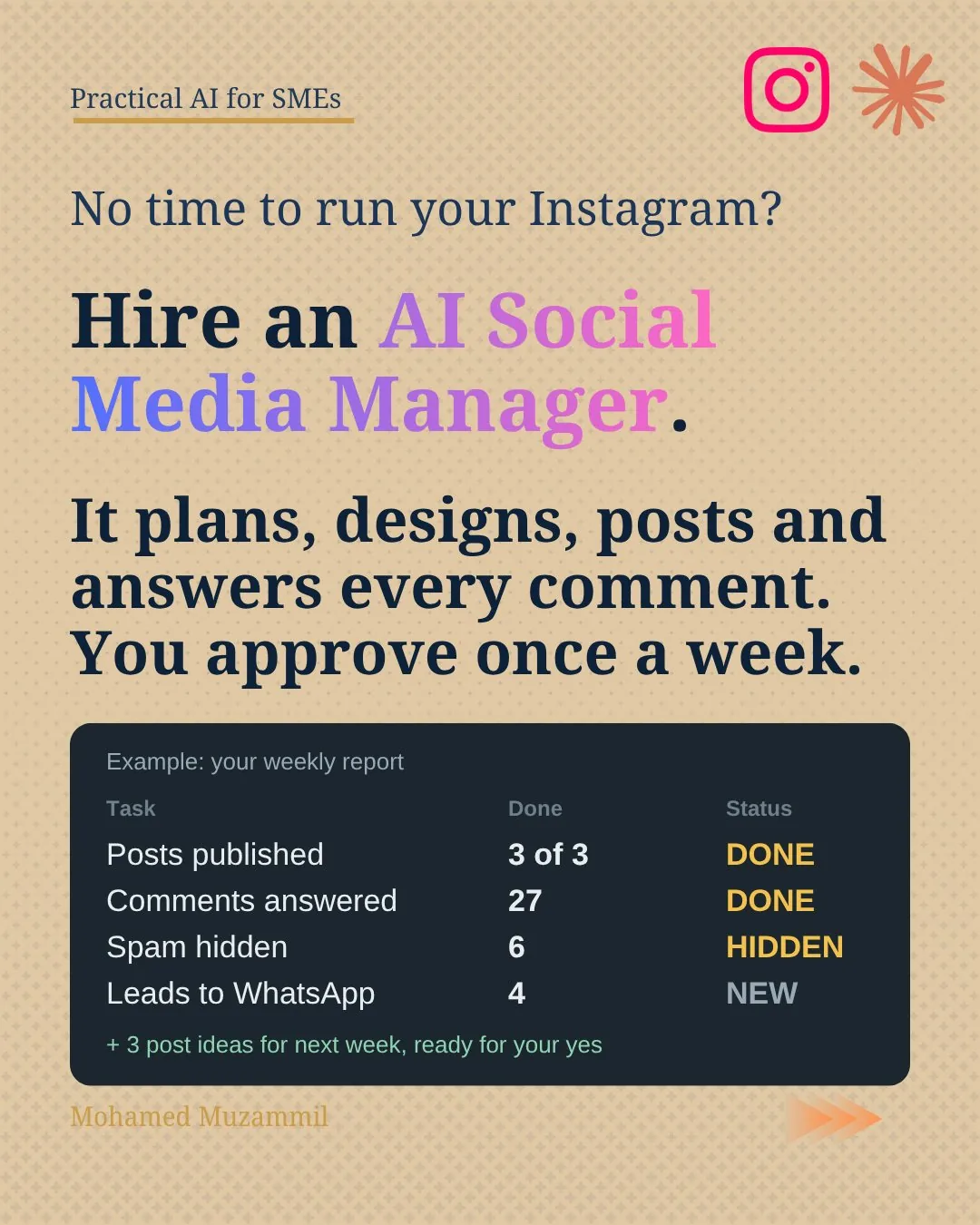
| Task | Done | Status |
|---|---|---|
| Posts published | 3 of 3, each on its planned day | Done |
| Comments answered | 27, most on the same day | Done |
| Spam hidden | 6 | Hidden |
| Leads sent to WhatsApp | 4 price questions and 1 catering order | New |
Next week, ready for your yes:
- A Flag Day post on 3 November, with the team outside the shop.
- A carousel answering the three questions people asked most in the comments.
- The weekend breakfast offer, in Arabic and English.
How to set it up
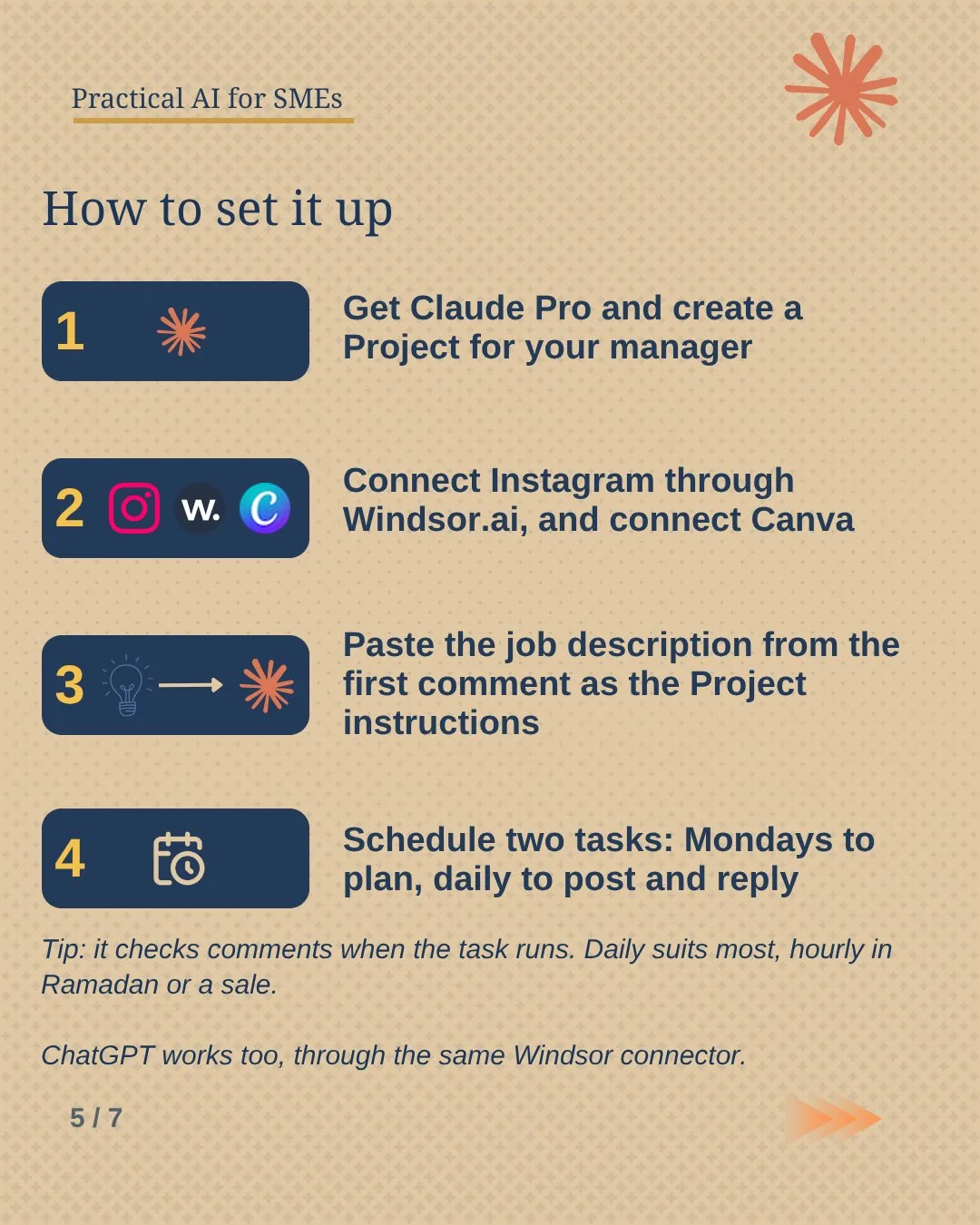
- Get Claude Pro and create a Project. Call it "Social media manager" and paste the job description from below as the Project instructions.
- Switch Instagram to a Business or Creator account. It’s free, in your Instagram settings.
- Connect Windsor.ai and Canva. Add both from Claude’s connectors, then link your Instagram account inside Windsor.
- Add your brief. A short document with what you sell, prices, offers, hours, your tone and the questions customers ask. Upload it to the Project.
- Schedule two tasks. Every Monday at 9am: "Run the weekly review and plan." Every day at 10am: "Publish today’s post and handle new comments." Scheduled tasks run on Claude Pro even when your computer is asleep.
The prompt
You are the social media manager for my business. First read the brief in this Project: what we sell, prices, offers, hours, our tone and the questions customers ask.

You run our Instagram through the Windsor.ai connector and design in Canva.

Every Monday:
1. Read last week's reach, saves, shares and new followers. Tell me in 3 lines what worked and what didn't.
2. Plan 3 posts for this week. Mix offers, behind the scenes, answers to customer questions and UAE moments like National Day, Ramadan and Eid. Do more of what worked.
3. Design them in Canva with our logo and colours. Write each caption in English and Arabic. Write the Arabic fresh, the way a native speaker would.
4. Send me the batch to approve.

Every day:
5. Publish any approved post that is due today.
6. Read new comments. Reply in the customer's language, short and warm. Hide spam. Never argue. Point complaints, orders and price questions to our WhatsApp, and tell me.

For the first two weeks, draft every reply and send it to me before posting.
Never invent prices, offers or promises. If you're unsure, ask me.
⚠️ Good to know
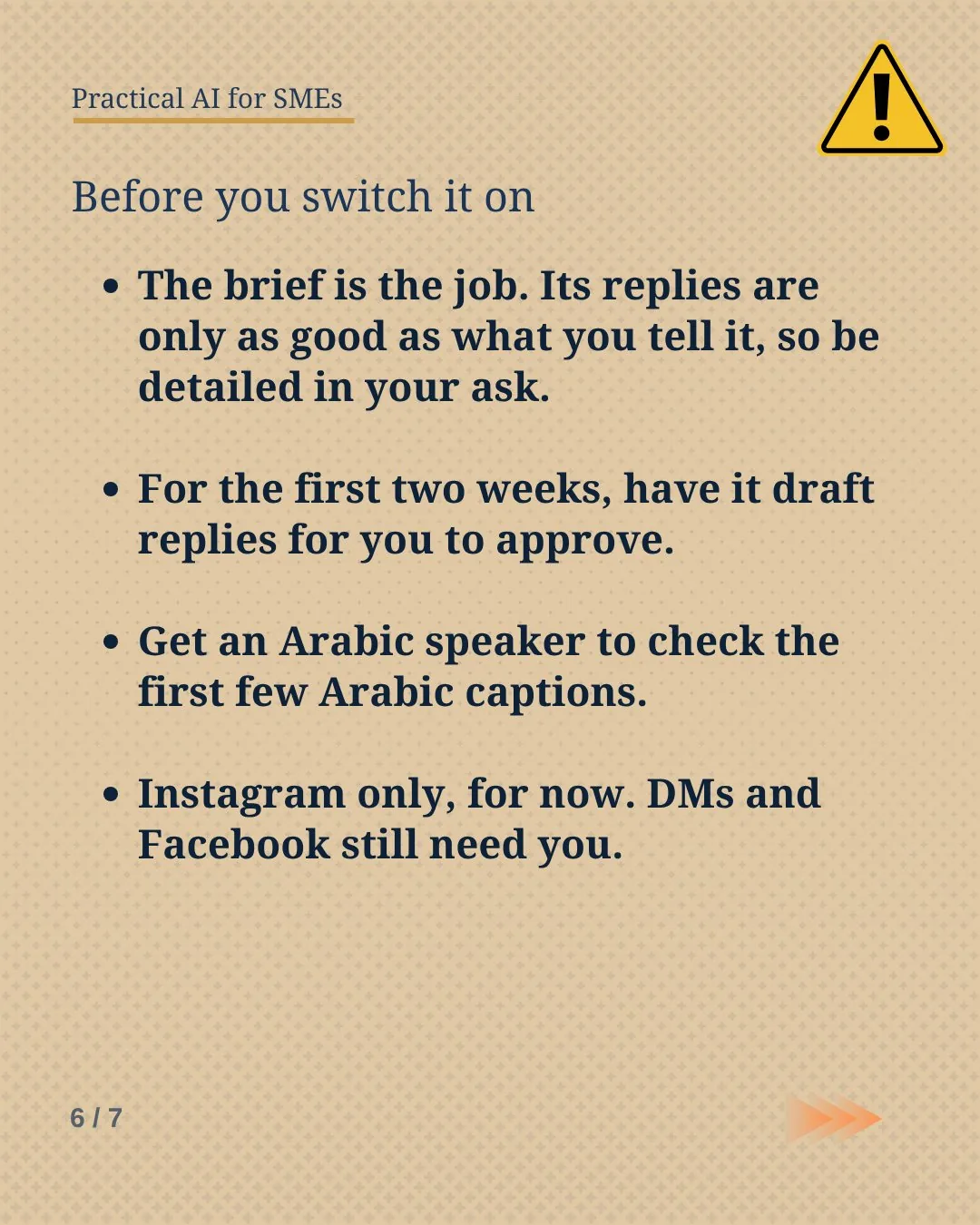
- The brief is the job. Its replies are only as good as what you tell it about your business.
- Start in review mode. The prompt makes it draft every reply for two weeks. Delete that line once you trust it.
- Check the Arabic. Get an Arabic speaker to read the first few Arabic captions.
- Instagram only, for now. DMs and Facebook still need you.
- It checks comments when the task runs. Once a day suits most businesses. Switch to hourly during Ramadan or a sale.
- Instagram needs JPEG images. If a design won’t publish, ask Claude for the image file and post it from your phone.
- ChatGPT works too, through the same Windsor connector.
Rather have it done for you?
We can set up a Social media manager for your business on the tools you already use, and agree with you what needs your approval. Send us a WhatsApp message: an AI receptionist replies first with a few questions, then a person takes it from there.
Running it on your page?Tell me the one thing you’d never let an AI reply to.