Quick answer
Claude turns your site notes and photos into a quote priced from your own past jobs in Zoho Books, with VAT, your terms and a “not included” list, and saves it as a draft once you say yes.
- Runs on
- Claude with the Small Business plugin, plus Zoho Books. On Wafeq, Naqood or QuickBooks you get a PDF to type in
- Monthly cost
- About 73 AED a month, on Zoho Books’ Free plan
- First setup
- About an hour, then a few minutes for each quote
- Stays with you
- Any price it can’t find in your history, and the final check. You send the quote; it never does.
- Last updated
Download the 8 slides as a PDF (1 MB)
The problem
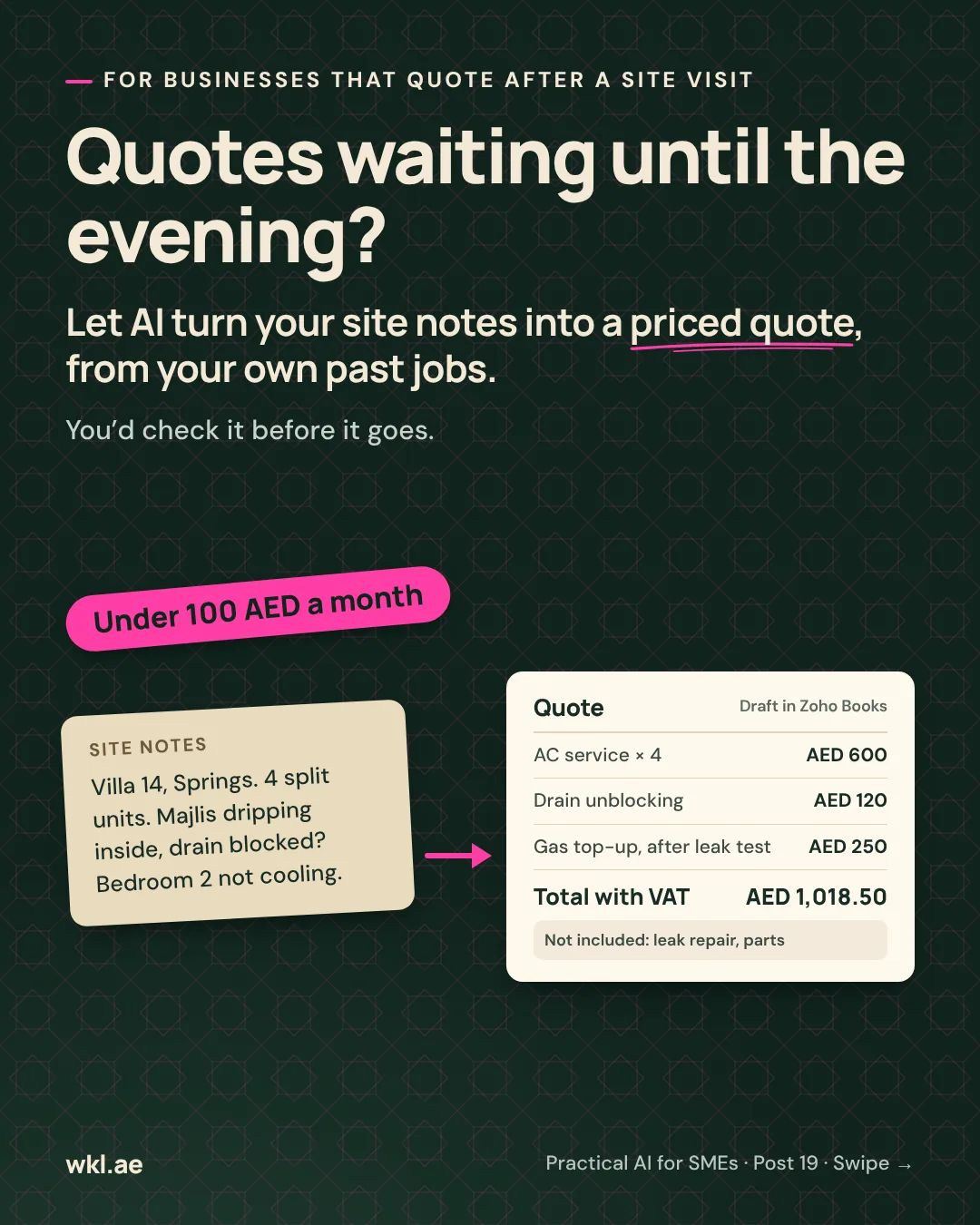
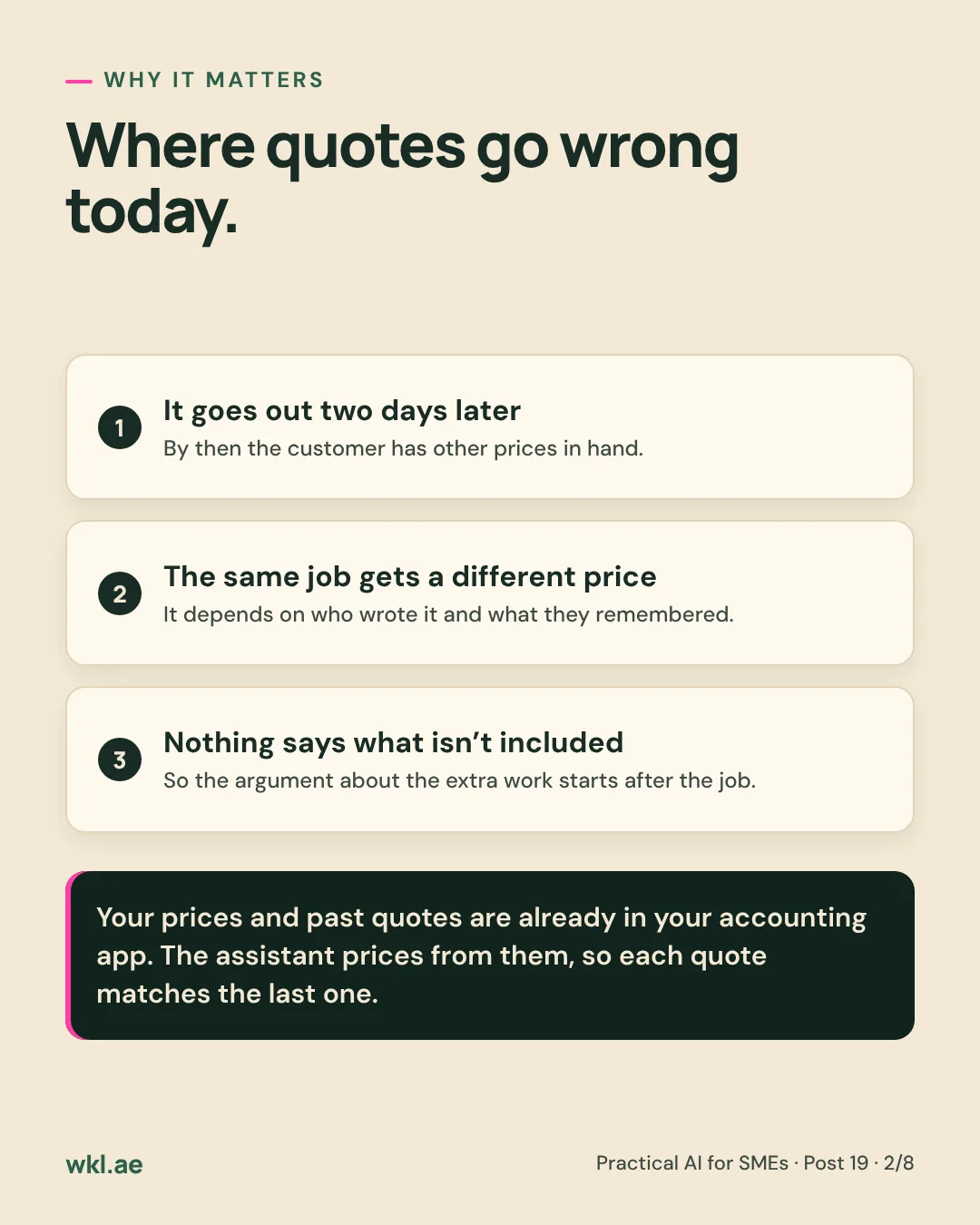
You walk round the villa, open the AC units, take a few photos and type some notes on your phone. The customer says “send me a price”. Then the quote waits until the evening, because it means looking up what you charged last time, working out the lines, adding VAT and typing it all into your accounting app. If it’s a busy week, it goes out two or three days later, and by then the customer has had two other prices.
The quotes that do go out aren’t always consistent either. The same service is priced differently from one customer to the next, depending on who wrote it and what they remembered. And the line that causes the most trouble later, what isn’t included, is often missing altogether.
In this guide we set up an AI quotation assistant that turns your site notes into a priced quote, using your own price list and past quotes, and saves it as a draft in Zoho Books for you to check and send. We use Frost Line Technical Services, a made-up AC maintenance company in Al Quoz. The steps are the same for fit-out, cleaning, pest control, IT support or any business that quotes after looking at the job.
What it can do, and what it can’t
Claude’s Small Business plugin has a skill for this, the proposal builder. It reads whatever you came back with (typed notes, photos, a voice memo you’ve transcribed, a customer’s request for quotation), works out the scope and lists anything that’s missing. It prices each line from two or three similar jobs you’ve quoted before and shows you which ones, writes the scope in plain words with a “not included” section, and tells you privately what worries it about the job. You get the quote as a PDF and a Word file. With Zoho Books connected, you can also have it saved as a draft quote in Zoho Books once you say yes, so it gets your quote number and template, and turns into an invoice later without retyping.
It won’t make up a price. If a line has no match in your price list or past quotes, it leaves a blank for you to fill in. It can’t see the job either, so it only knows what your notes and photos tell it. And it doesn’t send the quote to the customer. You do that yourself, from Zoho Books or as a PDF on WhatsApp, once you’re happy with it.
What you need
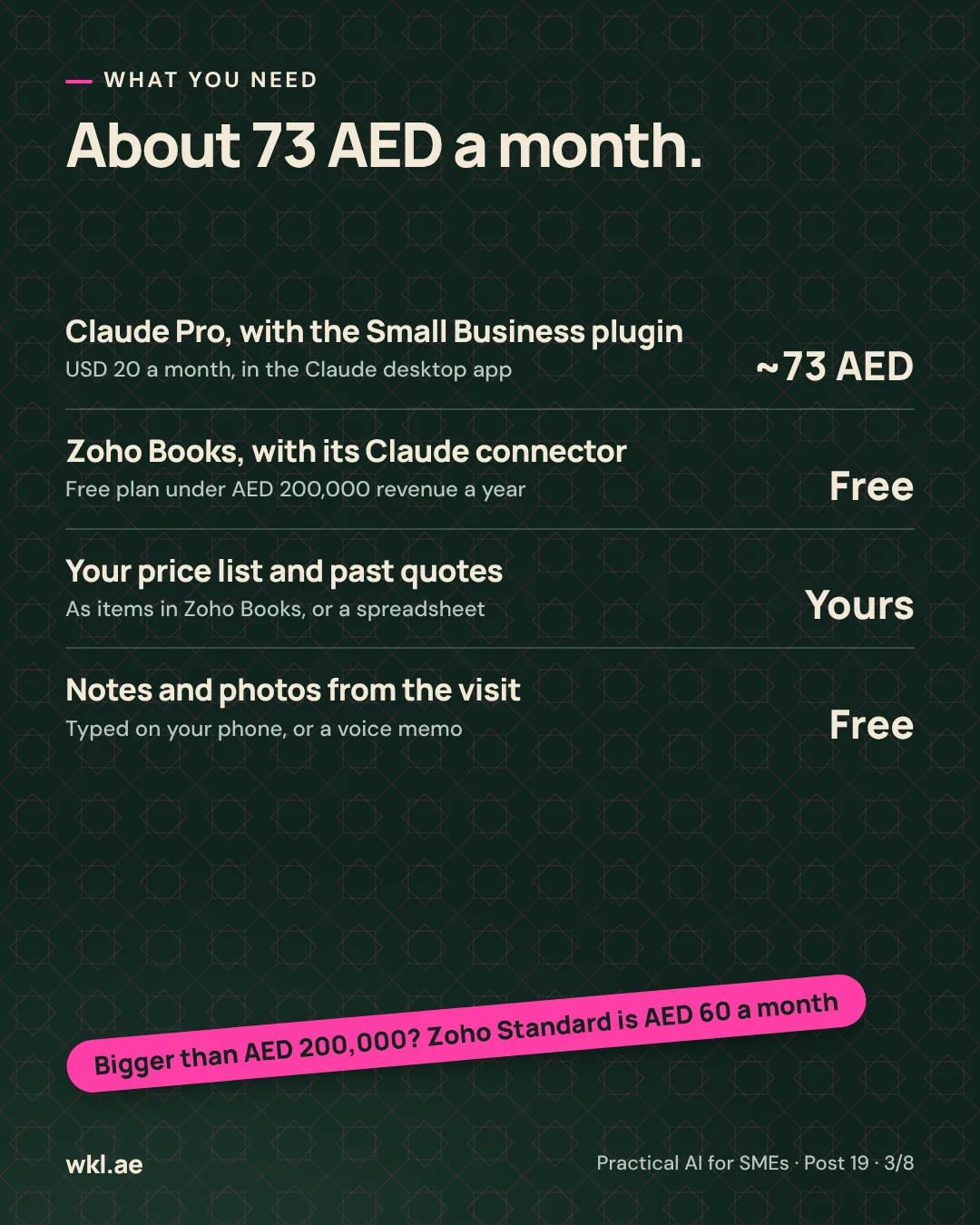
- Claude Pro
Pro includes the Small Business plugin, which runs in the Claude desktop app for Mac or Windows. USD 20 a month, or USD 17 a month paid yearly. If you set up one of our earlier guides, you already have it.~73 AED / mo - Zoho Books
It has an official Claude connector with a UAE option, and the connector can create quotes. The Free plan includes quotes for businesses with revenue under AED 200,000 a year, with one user plus your accountant. Above that, the Standard plan is AED 60 a month paid yearly.Free - Your price list
Your services and prices as items in Zoho Books, or a rate card you can attach. Past quotes in Zoho Books help too.You have it - Your site notes
Whatever you bring back from the visit: notes typed on your phone, photos, or a voice memo turned into text.Free
That’s about 73 AED a month on Zoho’s Free plan, or about 62 AED if you pay for Claude yearly.
How it works
-
After the visit You
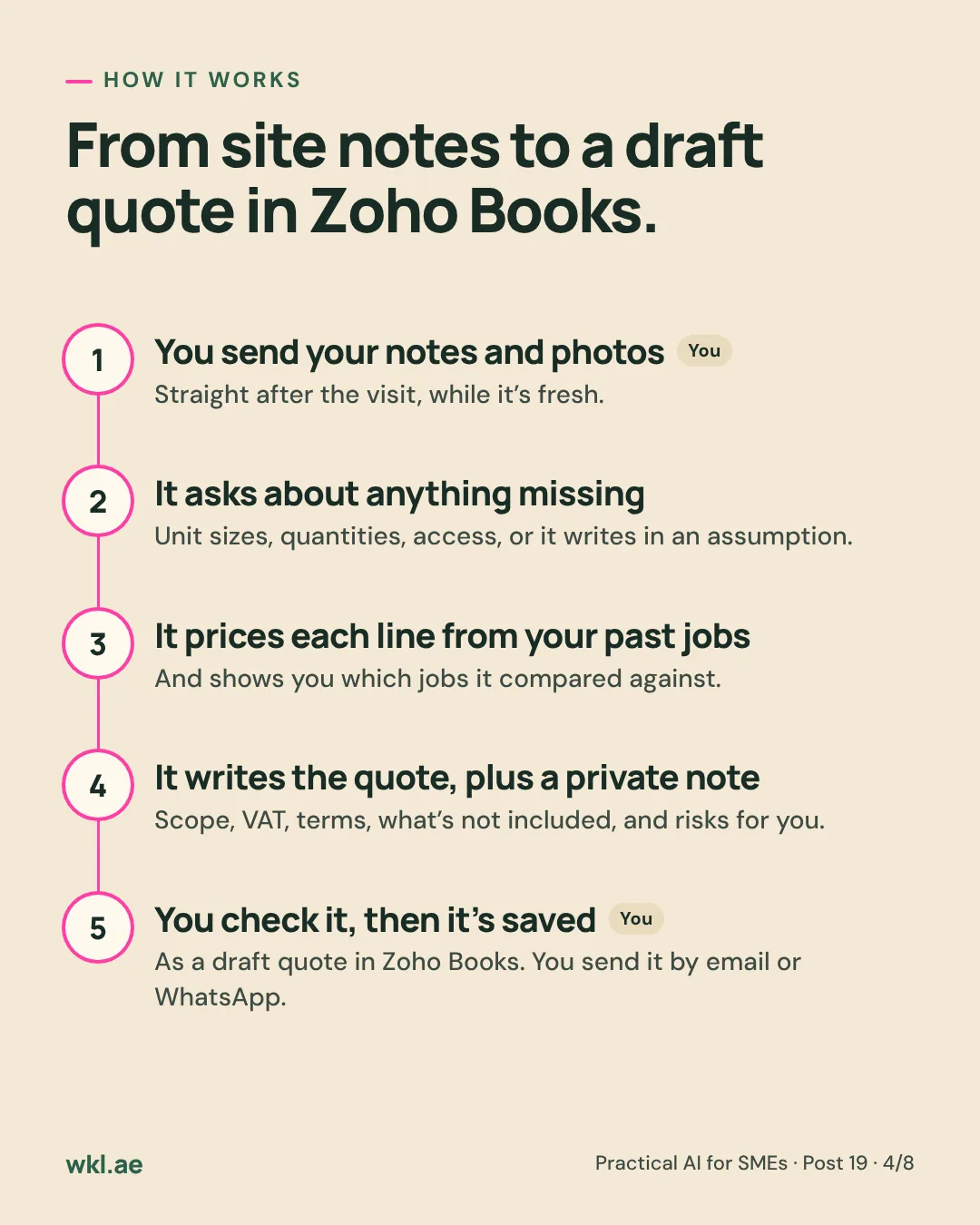
You send it your notes
Paste your notes, attach the photos, and say who the customer is.
-
A minute later On its own
It lists what’s missing
Anything it would have to guess, like a unit size, a quantity or a deadline, comes back to you as a question or a written assumption.
-
A minute later On its own
It prices each line from your own history
From the items, past quotes and invoices in Zoho Books, and it shows you which jobs it compared against.
-
A minute later On its own
It writes the quote
Scope, line prices, VAT, timeline, payment terms, how long the price holds, and what isn’t included. Plus a private note to you on the risks.
-
Before it’s saved You approve
You check it, then it goes into Zoho Books
Change anything you like. Once you say yes, it’s saved as a draft quote in Zoho Books, and you send it from there by email, or download the PDF for WhatsApp.
Nothing reaches the customer until you send it yourself.
Using Wafeq, Naqood or QuickBooks?
You can still use the assistant, but the last step changes. Intuit’s QuickBooks connector for Claude only works for US customers for now, and Wafeq and Naqood don’t have a Claude connector. So ask for the quote as a PDF plus a simple list of lines (item, quantity, rate, VAT) and type it into your own app, which takes a few minutes. Attach your price list as a spreadsheet so it still prices from your own rates. Wafeq does have an API that can create quotes, so a developer could connect it later if you quote a lot.
How to set it up, step by step
Allow about an hour the first time. After that, each quote takes a few minutes of your time.
Before you start, have these ready
- Your Zoho Books login, or a Free plan account you’ve just opened.
- Your price list: each service with its price, in Zoho Books or a spreadsheet.
- Your usual terms: how long a quote is valid, the deposit, when you get paid.
- Notes and photos from one recent job, to test with.
Check the Small Business plugin is installed2 minutes · included with Claude Pro
- Open the Claude desktop app. In the left sidebar, click Customize.
- Under Plugins, look for Small Business. If it isn’t there, click +, find Small Business and click Install.
Done when: Small Business shows in your list of plugins.
Connect Zoho Books5 minutes
- In Customize, open Connectors, click + and choose Browse connectors.
- Search for Zoho Books, click Connect, and pick the region your account is in. For most UAE businesses that’s the UAE.
- Sign in with your own Zoho login. If someone else is the admin of your Zoho Books organisation, ask them first.
Done when: you ask Claude “list my Zoho Books items” and it shows your services.
Put your prices in Zoho Books20 minutes, once
- In Zoho Books, open Items and add each service you quote, with its rate and whether VAT applies.
- Name them the way you’d say them on site, for example “Split AC service, per unit”, so Claude can match your notes to them.
- No time for this today? Attach your rate card as a spreadsheet when you quote instead.
This is the step that matters most, because with no price to compare against, Claude leaves the line blank rather than guess.
Done when: your common services are in Items with a price.
Set your quote terms10 minutes, once
- In Zoho Books settings for quotes, add your standard terms and conditions: validity, deposit, payment on completion, and anything you always exclude.
- Check your TRN and company details show on the quote template if you’re VAT registered.
Done when: a blank quote in Zoho Books shows your details and terms.
Run your first quote15 minutes
- Start a new task in Claude, paste the prompt below with your details, then your notes from a recent job, and attach the photos.
- Answer the questions it asks about anything missing, or let it write the assumption into the quote.
- Check the total and the lines it compared against first, then the scope and the “not included” list.
- Say yes to save it as a draft quote in Zoho Books. Open it there, check it once more and send it.
Done when: the draft quote is in Zoho Books and matches what you’d have written yourself.
Save the prompt5 minutes
- Save the prompt with your details filled in, somewhere you can find it on your phone.
- Next time, paste it with the new notes straight after the visit, while the job is fresh in your head.
Done when: you can find the prompt in under a minute.
What a quote looks like
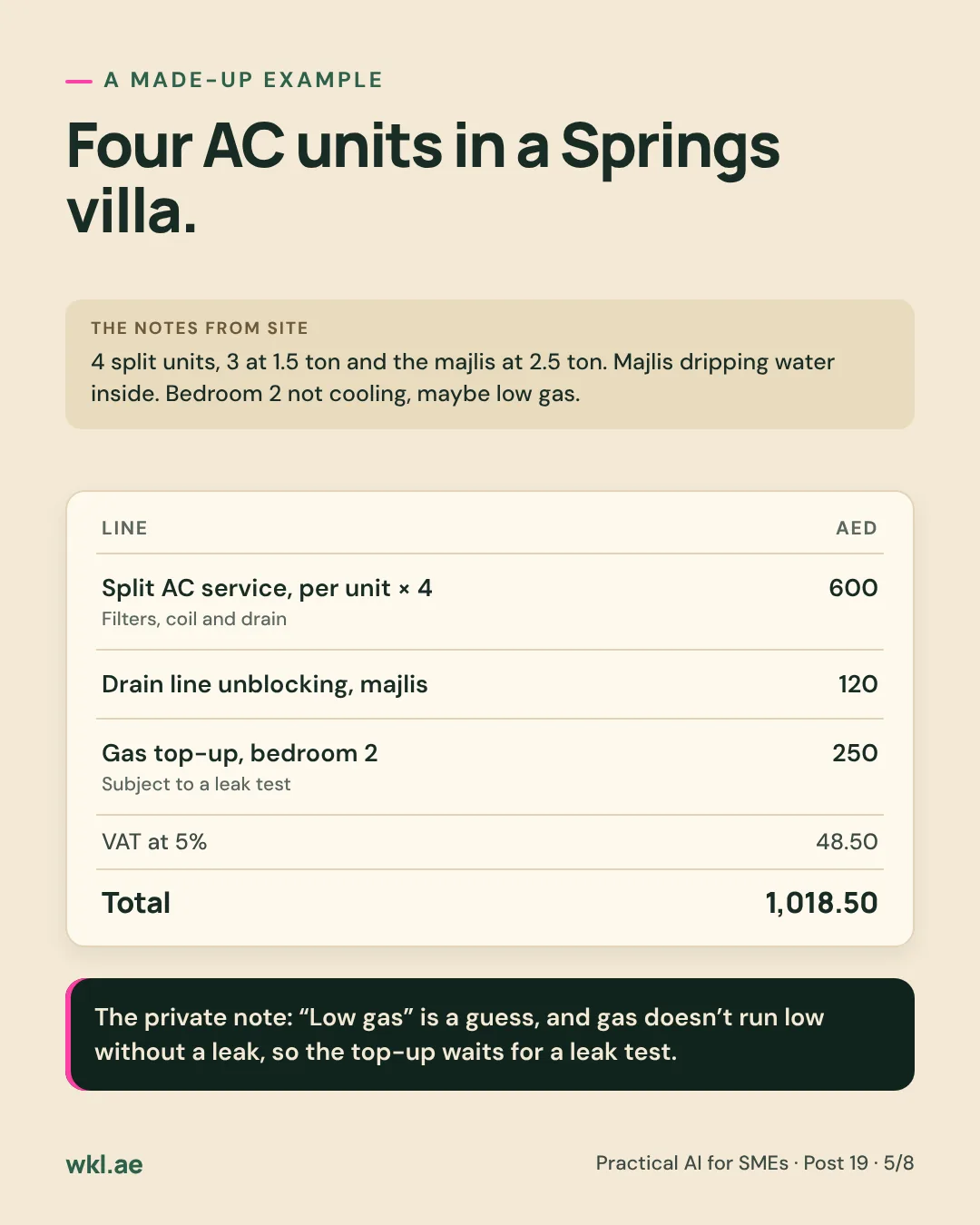
Here’s an example for Frost Line Technical Services, built the way the proposal builder works, from made-up notes and a made-up price list. The names and prices are invented.
The notes typed on site
“Villa 14, Springs 7, Mr Hassan. 4 split units, 3 bedrooms 1.5 ton and majlis 2.5 ton. Majlis dripping water inside, drain blocked probably. Bedroom 2 not cooling, maybe low gas. Wants all serviced before summer, next week if possible. Access from 9am.”
| Line | Qty | Rate | Amount |
|---|---|---|---|
| Split AC service: filters, coil and drain, per unit | Qty: 4 | Rate: AED 150 | Amount: AED 600 |
| Drain line unblocking, majlis unit | Qty: 1 | Rate: AED 120 | Amount: AED 120 |
| Gas top-up, bedroom 2, after a leak test | Qty: 1 | Rate: AED 250 | Amount: AED 250 |
| Subtotal | AED 970 | ||
| VAT at 5% | AED 48.50 | ||
| Total | AED 1,018.50 |
- Priced from
Two past quotes in Zoho Books for split AC servicing (five units in Arabian Ranches in March, three in Mira in June), plus the drain and gas items in your price list.History - Not included
Repairing a gas leak if the test finds one, which we’d quote separately. Replacement parts such as capacitors or fan motors. Opening false ceilings. Ducted or cassette units.Scope - Terms
Half a day on site, Tuesday or Wednesday next week from 9am. Payment on completion. Price valid for 14 days.Terms - The private note to the owner
“Low gas” in bedroom 2 is a guess, and gas doesn’t run low without a leak, so the top-up is written as subject to a leak test. The notes don’t say whether any unit is ducted, which would change the service price.Risks
The customer never sees that note, and it’s the part we’d be most likely to skip when quoting in a hurry. Without it, a service job can quietly turn into a leak repair nobody charged for.
What a good quote includes
Check each one for these before you send
- The customer’s request in a line, so they know you listened.
- The scope in plain detail: how many units, which rooms, what “service” covers.
- A “not included” list.
- VAT at 5% and your TRN, if you’re VAT registered.
- How long the price holds, the deposit if any, and when you get paid.
- What happens next, in one sentence.
Suggested guardrails
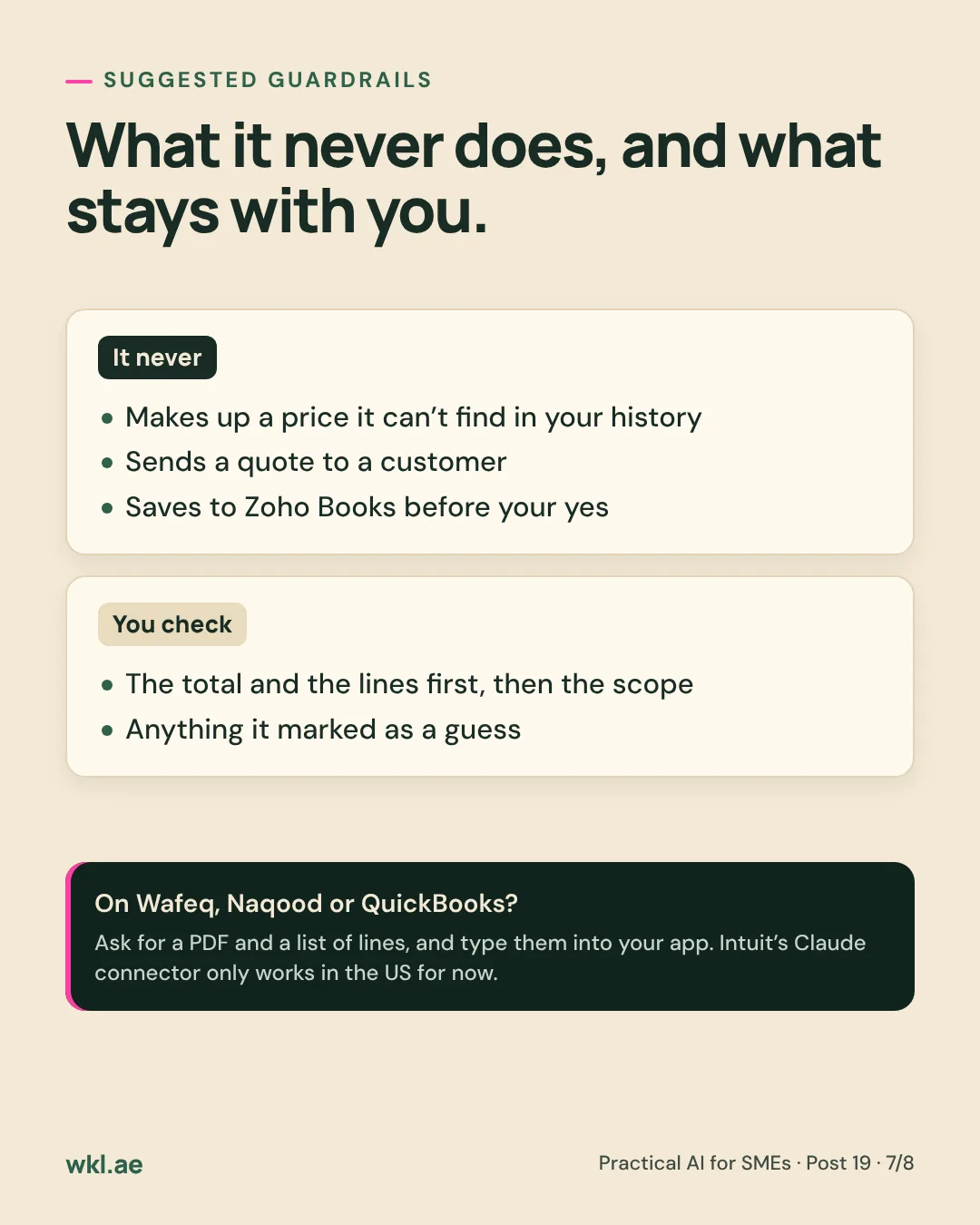
| Guardrail | What it means in practice |
|---|---|
| It never invents a price | Every rate comes from your items, past quotes or rate card. Anything without a match stays blank for you to fill in. |
| It never sends a quote | It saves a draft in Zoho Books only after you say yes, and you send it yourself. |
| You check the total and the lines first | Look at the total, the quantities and the jobs it compared against before you read the wording. |
| Write down what you guessed | If a size, quantity or condition is a guess, the quote says so, like “subject to a leak test”. |
| Keep it to your own data | Connect only your own Zoho Books organisation, and don’t paste one customer’s details into another customer’s quote. |
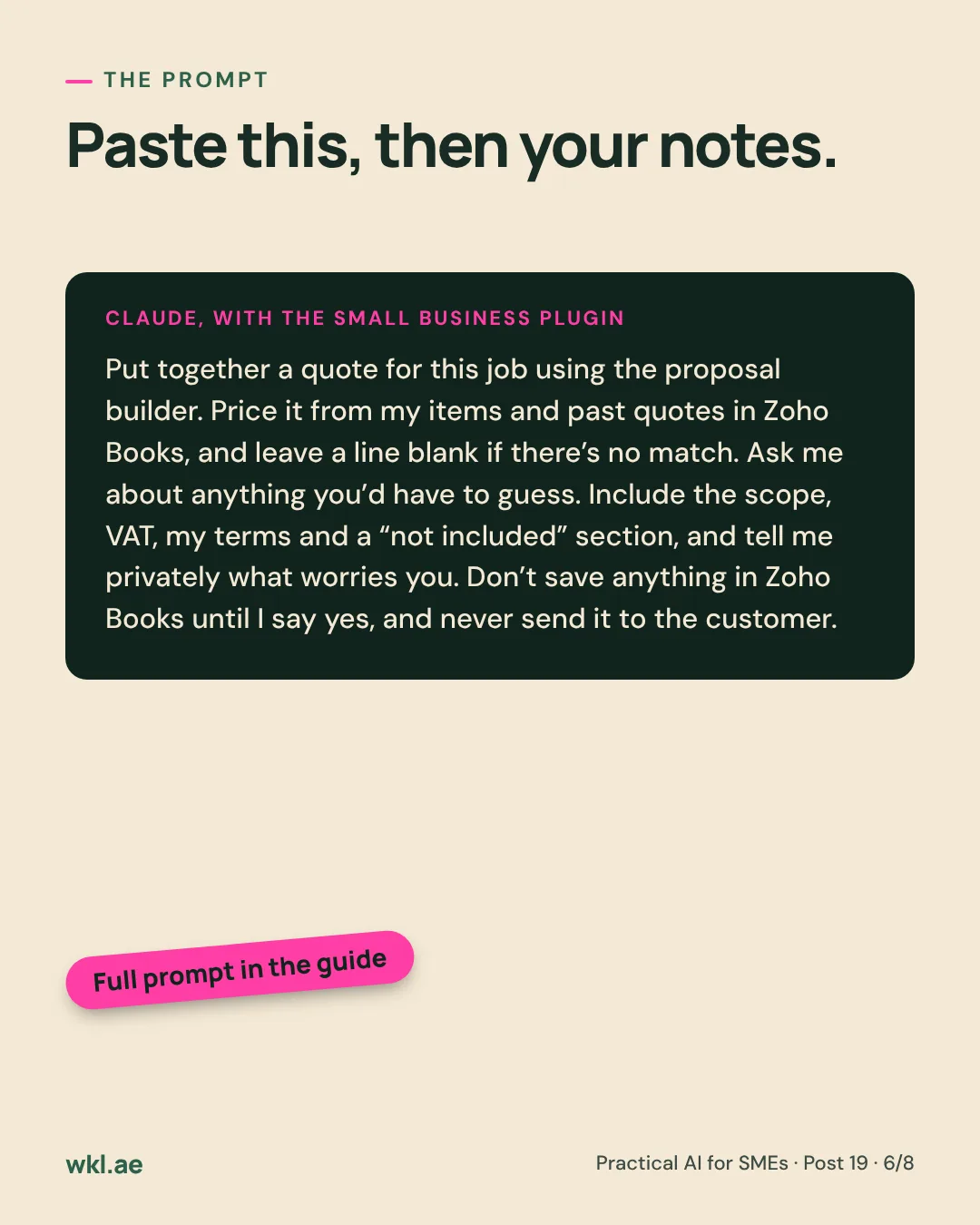
The prompt
Put together a quote for this job using the proposal builder.

My business: [business name], a [type of business] in [emirate]. VAT registered: [yes, TRN ... / no].
Customer: [name, company if any, area].
Pricing: use my items and past quotes in Zoho Books. If a line has no match, leave the price blank and tell me.
My terms: quote valid for [14] days, [deposit or payment on completion], [anything I always exclude].

Here are my notes from the site visit:
[paste your notes, and attach photos or a voice memo transcript]

Before you write the quote, list anything you'd have to guess and ask me, or write it into the quote as an assumption.
In the quote, include the scope in specifics, the line prices with VAT, the timeline, my terms, and a "not included" section.
Separately, tell me privately what worries you about this job.
Don't save anything in Zoho Books until I say yes, and never send the quote to the customer.
If something goes wrong
- The prices look wrong
- Check which past jobs it compared against. If your Zoho Books items are out of date, update them there first, so the next quote is right too.
- Lots of lines are blank
- Your price list is missing those services. Add them as items in Zoho Books, or attach your rate card.
- It can’t find Zoho Books
- Check the connector is on in Customize, and that you picked the region your Zoho account is in. Then ask it to list your items to test.
- The quote reads too formal or too long
- Give it one quote you sent before and liked, and ask it to match that format.
⚠️ Good to know
- The Free plan has limits. Zoho Books is free while your revenue stays under AED 200,000 a year, with one user and one accountant. Check Zoho’s pricing page for the current terms.
- QuickBooks users outside the US can’t use Intuit’s Claude connector yet, so use the PDF route above.
- A quote isn’t a tax invoice. When the customer accepts, convert the quote to an invoice in Zoho Books, which keeps the VAT details in one place.
- How we wrote this guide. The example quote follows the proposal builder’s method with made-up notes and prices. The connector and pricing details come from Zoho’s and Claude’s pages, checked on 19 November 2026.
Sources
- Claude connectors: Zoho Books
- Zoho Books help: connecting Zoho Books to Claude
- Zoho Books UAE pricing
- Composio: using QuickBooks Online in Claude outside the US
- Wafeq developer docs: quote to cash
Rather have it done for you?
We can set up a Quotation assistant for your business on the tools you already use, and agree with you what needs your approval. Send us a WhatsApp message: an AI receptionist replies first with a few questions, then a person takes it from there.
How long does a quote take you after a site visit?Same day, or whenever you get a quiet evening? Tell me how you quote today.